
Best Notion Templates for Consultants in 2026
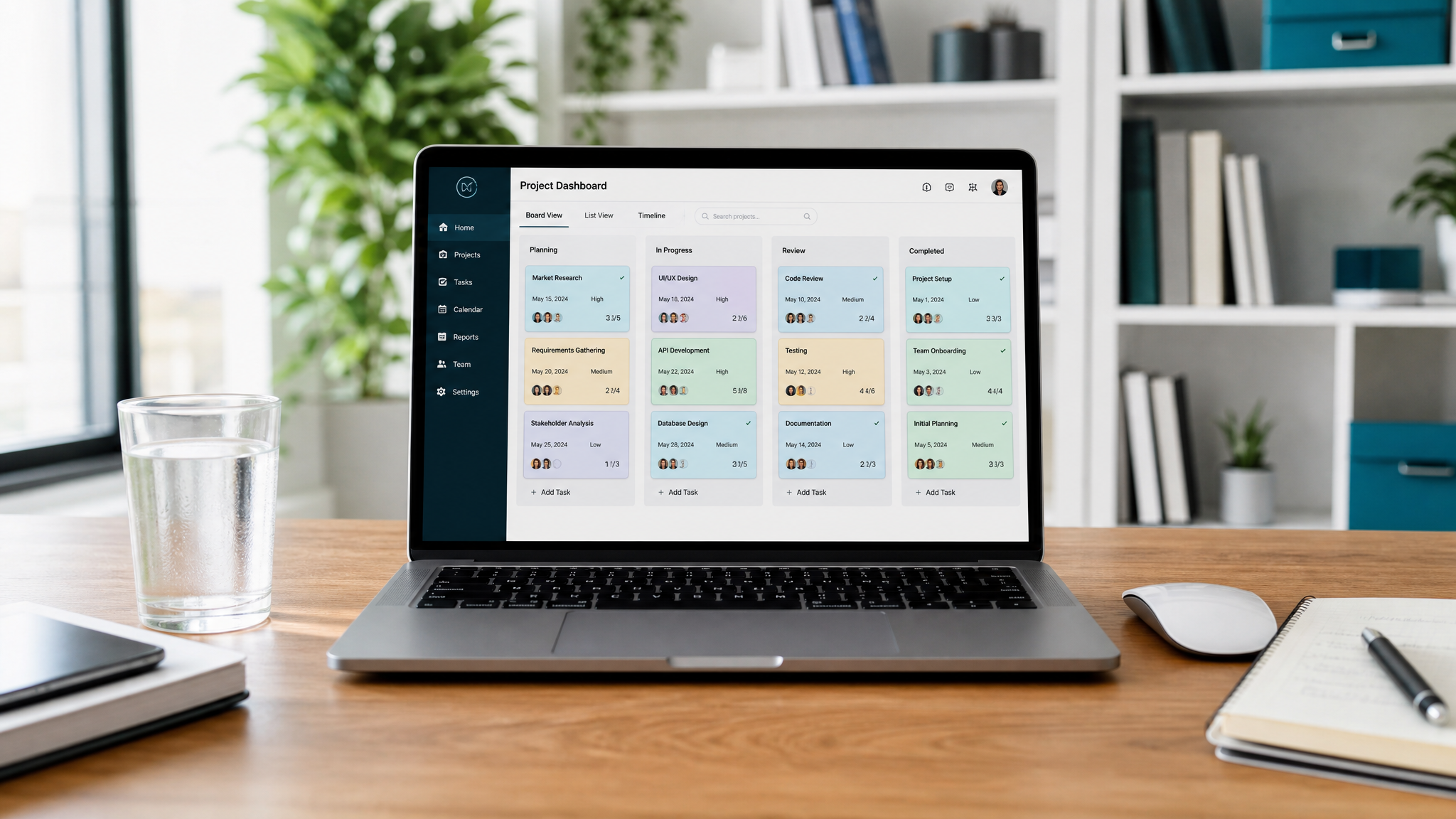
If you're a consultant, your entire business runs on relationships, deliverables, and deadlines. Yet most consultants still manage these across a chaotic mix of spreadsheets, email threads, and sticky notes.
Notion has become the go-to platform for consultants who want one system that handles everything. But with thousands of templates available, which ones are actually worth your time and money?
I've tested dozens over the past year. Here are the ones that deliver real ROI.
What Makes a Great Consulting Template?
Before diving into recommendations, let's establish what separates a great consulting template from a mediocre one:
Top Notion Templates for Consultants
1. Consultant's Client OS
This is the gold standard for independent consultants and small consulting firms. It provides a complete operating system that covers the entire client lifecycle:
What sets it apart is how everything connects. When you log a meeting note, it automatically links to the client and project. When you mark a deliverable complete, the project progress updates. It's a genuine system, not just a collection of pages.
Best for: Independent consultants and boutique firms managing 5-20 active clients.
2. Executive Command Center
Originally designed for C-suite executives, this template has become surprisingly popular among senior consultants and practice leaders who manage both their own work and a team's output.
Best for: Partner-level consultants and practice leaders who need strategic oversight, not just project tracking.
3. Notion Project Management Hub
A more general-purpose option, but one that many consultants use effectively as a lighter-weight alternative:
Best for: Consultants who prefer a simpler, project-focused setup without the full client lifecycle features.
How to Evaluate Before You Buy
Before spending money on any Notion template, ask these questions:
The Bottom Line
The right Notion template pays for itself within the first week. If you're spending more than 30 minutes a day managing your consulting workflow across multiple tools, a $69-79 investment in a proper system will reclaim that time permanently.
Start with a client-centric template, customize it for your practice, and watch your operational overhead drop dramatically.
Free: Weekly Reset Dashboard
Get our most popular free Notion template — used by 500+ professionals to plan their week in under 10 minutes.
Download free