
How to Build a Client Management System in Notion
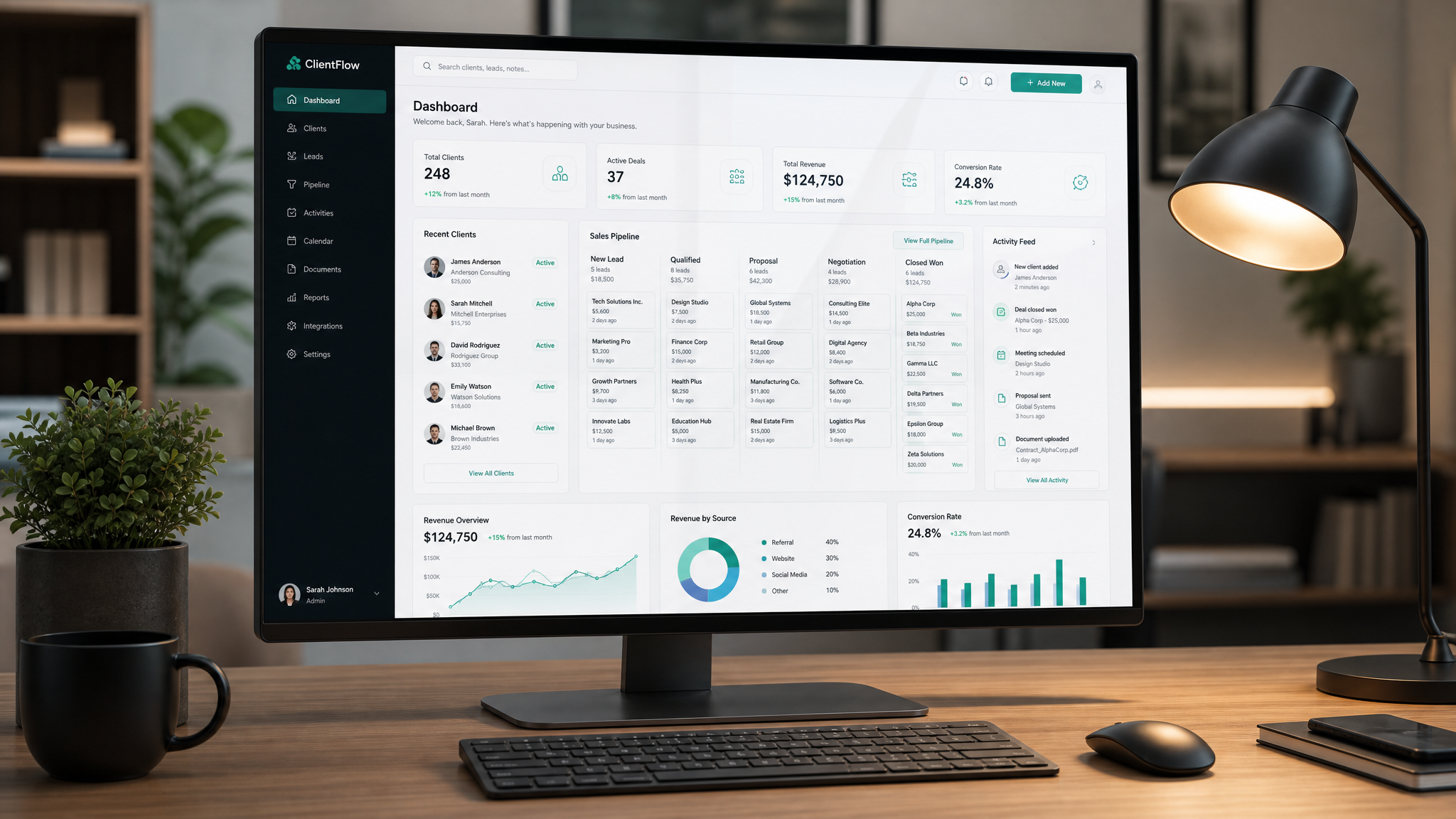
Managing clients across spreadsheets, email, and Slack is a recipe for missed deadlines and dropped balls. Here's how to build a complete client management system in Notion — from scratch or using a template as your foundation.
Why Notion for Client Management?
Traditional CRMs like Salesforce or HubSpot are powerful, but they're designed for sales teams with dedicated CRM administrators. For freelancers, consultants, and small agency owners, they're overkill.
Notion gives you:
The Architecture: Four Connected Databases
Every great client management system in Notion is built on four linked databases:
Database 1: Clients
This is your master database. Each entry represents a client (company or individual).
Essential properties:
Database 2: Projects
Linked to Clients via a Relation property. Each project belongs to a client.
Essential properties:
Database 3: Communications
Every interaction logged in one place.
Essential properties:
Database 4: Invoices
Track every dollar in and out.
Essential properties:
Connecting Everything Together
The magic happens when you link these databases:
Essential Views to Create
Once your databases are linked, create these views:
The Build-vs-Buy Decision
Building this from scratch takes 3-5 hours if you know Notion well. A pre-built template like the Consultant's Client OS gives you all of this — plus dozens of additional views, automations, and templates — in about 10 minutes of setup time.
Either way, the end result is the same: one place for every client relationship, every project, every dollar. No more context-switching between six different tools.
Free: Weekly Reset Dashboard
Get our most popular free Notion template — used by 500+ professionals to plan their week in under 10 minutes.
Download free