
From Chaos to Clarity: Building Your Client Management System
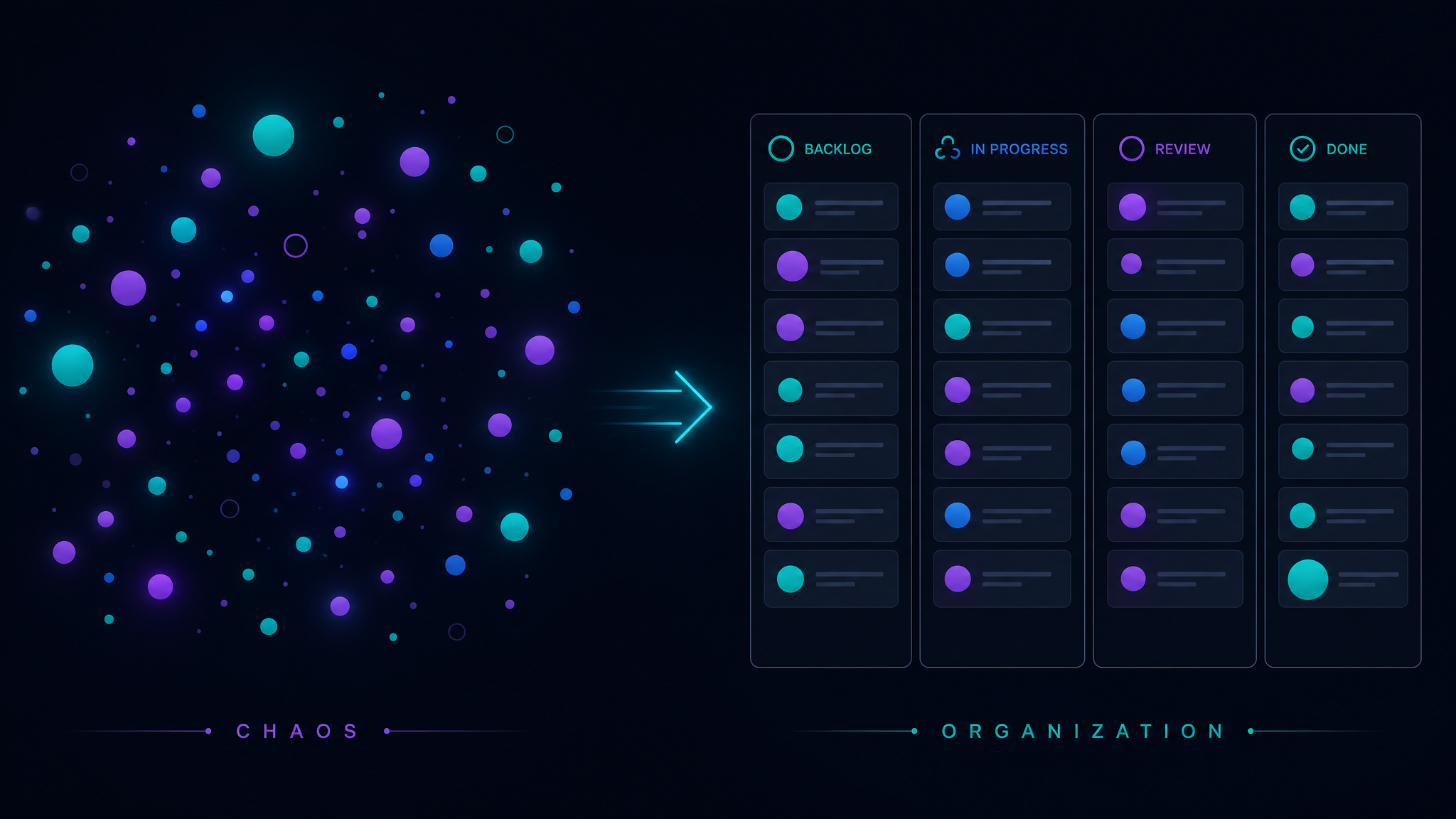
If your client management "system" is a combination of sticky notes, email folders, and things you're trying to remember, you're not alone. Most service professionals operate in a state of organized chaos — it works until it doesn't.
This guide walks you through building a client management system from zero, using principles that work whether you have 3 clients or 30.
Why Most Client Systems Fail
Before we build, let's understand why previous attempts might have failed:
Phase 1: The Client Database (Week 1)
Start with one database. Just one. Call it "Clients" and give it these properties:
That's it. Six properties. Resist the urge to add more. You can always add properties later — you can't easily remove complexity once it's baked in.
Phase 2: The Project Tracker (Week 2)
Once your client database is working, add a related Projects database:
Link every project to its client. Now when you open any client page, you see all their projects. When you open any project, you see which client it belongs to.
Phase 3: The Communication Log (Week 3)
Add a simple Interactions database:
This is your institutional memory. Six months from now, you'll be able to pull up exactly what was discussed with any client at any point. This is invaluable during disputes, renewals, or when another team member needs to take over a relationship.
Phase 4: The Dashboard (Week 4)
Now create your daily command center. This is a single page with filtered views:
This dashboard is what you open every morning. It tells you exactly where to focus your energy.
The Maintenance Habit
Here's the practice that makes everything work:
Daily (2 minutes): Log any client interactions. Update project statuses.
Weekly (15 minutes): Review all active clients. Update "Last Contact" dates. Process any leads. Plan next week's client priorities.
Monthly (30 minutes): Review client profitability. Archive completed projects. Update pipeline forecasts.
If you can commit to this cadence, your system will not only survive — it will become the most valuable tool in your business.
Scaling From Simple to Sophisticated
Once the basic system is running smoothly (give it at least 4 weeks), you can add layers:
But add each layer one at a time, and only when you feel the pain of not having it.
The Result
A well-maintained client management system gives you something invaluable: confidence. Confidence that nothing is falling through the cracks. Confidence that every client feels attended to. Confidence that you can take on more work without things breaking.
That confidence translates directly into revenue growth and better sleep.
Free: Weekly Reset Dashboard
Get our most popular free Notion template — used by 500+ professionals to plan their week in under 10 minutes.
Download free