
How to Build a Notion System That Actually Works
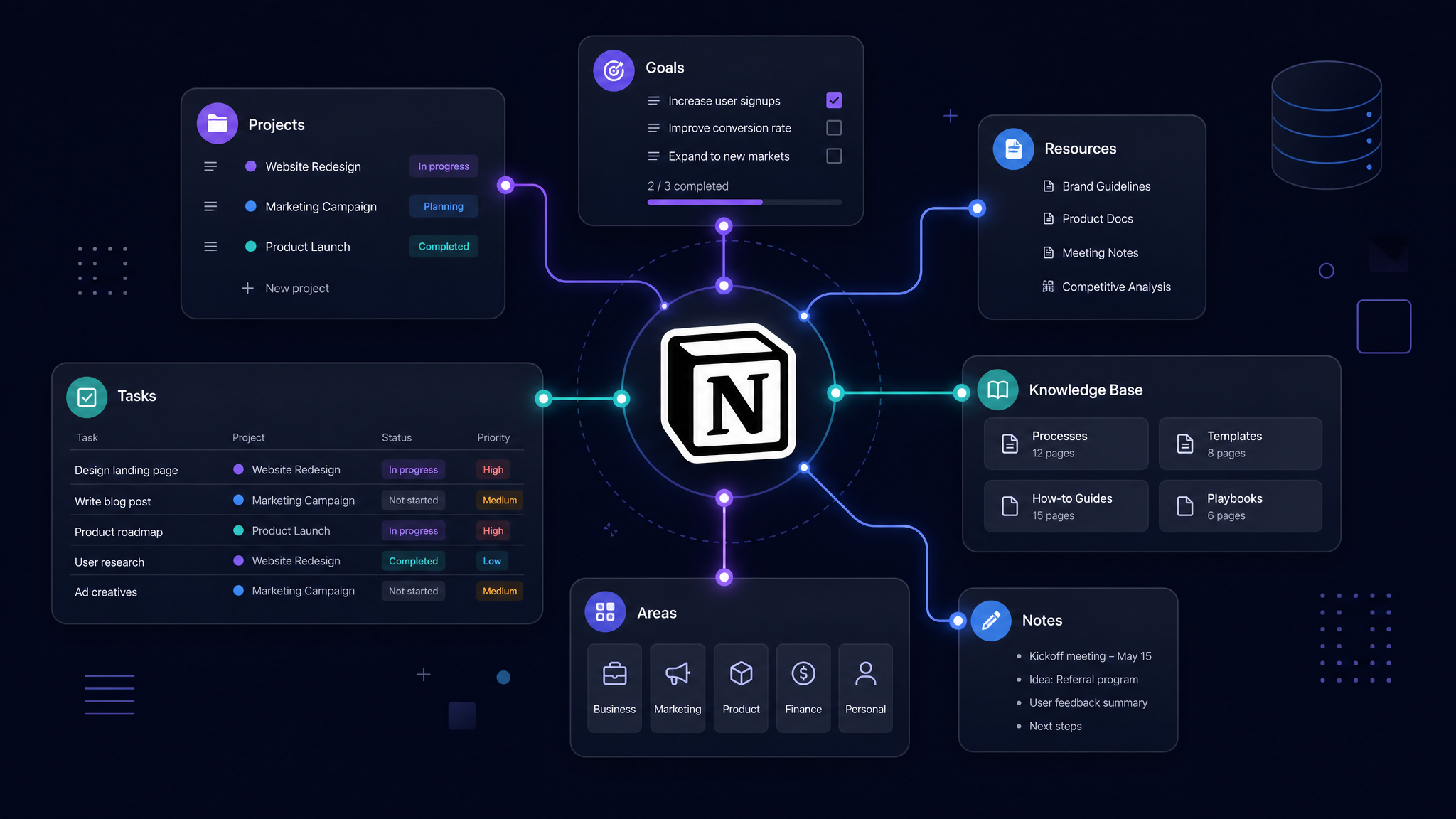
Most people who try Notion end up with a graveyard of abandoned pages. They start with excitement, build elaborate systems over a weekend, and then never open them again. Sound familiar?
The problem isn't Notion — it's the approach. After helping hundreds of professionals build their operating systems, I've identified the exact framework that separates systems that stick from those that don't.
The Foundation: Start With Your Workflow, Not Your Tools
The biggest mistake is starting with "What can Notion do?" instead of "What do I actually need?" Before you create a single database, spend 30 minutes writing down:
This exercise alone will save you weeks of rebuilding.
The Three-Layer Architecture
Every successful Notion system follows a three-layer architecture:
Layer 1: Capture — The inbox. Everything goes here first. No organization, no categorization, just capture. This reduces friction to zero and ensures nothing falls through the cracks.
Layer 2: Organize — Weekly processing. You take everything from your inbox and route it to the right place. This is where your databases, project trackers, and knowledge bases live.
Layer 3: Execute — Daily dashboards. These are the views you actually use every day. They pull from your organized databases and show you exactly what needs attention right now.
The "Two-Week Rule"
Here's a rule that will transform your Notion experience: if you haven't used a page or database in two weeks, archive it. Ruthlessly.
Complexity is the enemy of consistency. Your system should have the minimum number of pages needed to support your workflow — and not a single page more.
Database Design That Scales
The secret to Notion databases that actually work:
Templates Are Your Secret Weapon
The highest-leverage thing you can do in Notion is create templates for recurring work. Meeting notes, project kickoffs, weekly reviews — anything you do more than twice should have a template.
But here's the key: templates should be 80% complete. Leave room for customization so they feel helpful rather than constraining.
The Weekly Review Ritual
No system survives without maintenance. Schedule a 30-minute weekly review where you:
This single habit is what separates Notion power users from Notion abandoners.
Start Small, Then Scale
The most successful Notion users I've worked with all started with a single use case — usually task management or meeting notes — and expanded from there. They didn't try to build a "second brain" on day one.
Build one system. Use it for a month. Then add the next one. This approach is slower but dramatically more likely to succeed.
Your Notion system should feel like a relief, not a burden. If it feels like work to maintain, you've built too much. Strip it back until it feels effortless, then build from there.
Free: Weekly Reset Dashboard
Get our most popular free Notion template — used by 500+ professionals to plan their week in under 10 minutes.
Download free