Notion vs Asana vs Monday.com: Which Is Best for Agencies?
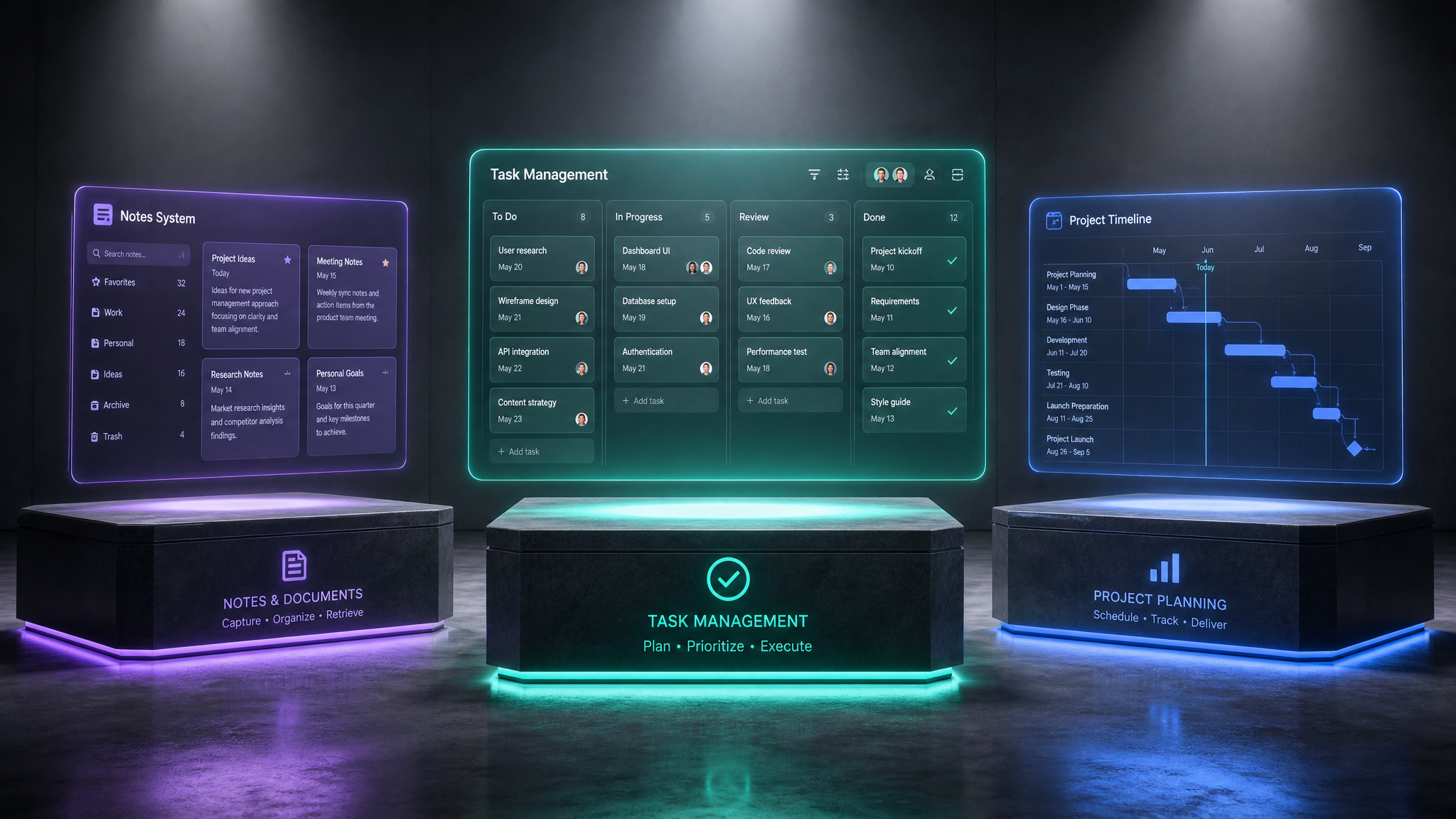
If you run an agency, you've probably had the 'which tool should we use?' debate at least three times this year. Asana, Monday.com, and Notion are the three finalists most agencies end up comparing.
Having worked with agencies running each of these, here's an honest breakdown of where each tool shines — and where it falls flat.
The Quick Verdict
Pricing Comparison
| Feature | Notion | Asana | Monday.com |
|---|---|---|---|
| Free tier | Yes (generous) | Yes (basic) | Yes (limited) |
| Paid per user/mo | $8-10 | $10.99-24.99 | $9-19 |
| 10-person team/mo | $80-100 | $110-250 | $90-190 |
| Enterprise | Custom | Custom | Custom |
For a 10-person agency, Notion is typically 30-60% cheaper than Asana or Monday.com on paid plans.
Project Management
Asana
Strengths: Purpose-built for task management. Timelines, dependencies, milestones, and workload management are all native features. The 'My Tasks' view is genuinely useful for individual contributors.
Weaknesses: Rigid structure. You work the way Asana wants you to work. Custom fields are limited on lower-tier plans. No built-in documentation — you need Google Docs alongside it.
Monday.com
Strengths: Visually stunning. Dashboards, charts, and status overviews look great in client presentations. The automations builder is powerful and intuitive.
Weaknesses: Gets expensive fast with add-ons. The interface can feel overwhelming with too many columns. Integration quality varies wildly.
Notion
Strengths: Infinitely flexible. Build exactly the project management system your agency needs. Databases with multiple views (kanban, table, calendar, gallery) cover every use case. Documentation, wikis, and project tracking live in one tool.
Weaknesses: No native time tracking. No built-in Gantt charts (though timeline databases come close). Requires initial setup investment.
Client Management
This is where Notion pulls ahead significantly for agencies. While Asana and Monday.com focus on task execution, Notion lets you build a complete client workspace:
Neither Asana nor Monday.com offers this level of client relationship context without additional tools.
Knowledge Management
Agencies accumulate enormous amounts of tribal knowledge: brand guidelines, process documentation, onboarding guides, creative references.
The Agency-Specific Winner
For agencies specifically, Notion wins on total value — but with a caveat.
Choose Notion if: You want one tool that handles project management, client relationships, documentation, and internal operations. You're willing to invest time in initial setup (or buy a template like the Agency Operations Hub to skip the setup phase entirely).
Choose Asana if: Your agency is task-execution focused, you have 20+ team members, and you need enterprise-grade dependency tracking.
Choose Monday.com if: Client-facing dashboards and visual reporting are your top priority and budget is flexible.
The Template Shortcut
The biggest objection to Notion for agencies is setup time. A blank Notion workspace is powerful but intimidating. This is exactly why pre-built agency templates exist — they give you the structure of tools like Asana with the flexibility of Notion, ready to use in minutes instead of weeks.
Free: Weekly Reset Dashboard
Get our most popular free Notion template — used by 500+ professionals to plan their week in under 10 minutes.
Download free