
DrillKit
DrillKit
Back to Blog
Investing

How to Track Investment Deals in Notion
2026-06-0110 min read
How to Track Investment Deals in Notion

Whether you're an angel investor evaluating 50 deals a year or a VC associate managing a pipeline of hundreds, tracking deal flow is one of those tasks that either runs your process or ruins it.

Spreadsheets break down fast. CRM tools like Affinity or DealCloud cost thousands per year. Notion hits the sweet spot: powerful enough for serious deal tracking, flexible enough to match your investment thesis, and affordable for everyone from solo angels to small fund teams.

The Deal Flow Architecture

A complete investment tracking system in Notion needs four interconnected databases:

1. Deal Pipeline Database

This is your primary workspace — every potential investment lives here.

Properties:

  • Company Name (Title)
  • Stage: Sourced / First Look / Deep Dive / Due Diligence / Term Sheet / Closed / Passed
  • Sector: SaaS / Fintech / Health / Consumer / Climate / Other
  • Source: Referral / Conference / Cold Inbound / Co-investor / Accelerator
  • Referred By (who sent you this deal)
  • Amount Seeking
  • Valuation (Pre-money)
  • Your Allocation (how much you'd invest)
  • Lead Partner / Decision Maker
  • Next Action + Due Date
  • Pass Reason (if applicable)
  • Thesis Fit Score: 1-5
  • 2. Contacts Database

    Founders, co-investors, and advisors linked to deals.

    Properties:

  • Name, Email, LinkedIn, Phone
  • Role: Founder / Co-Investor / Advisor / Board Member
  • Companies (Relation → Deal Pipeline)
  • Last Contact Date
  • Relationship Strength: Strong / Warm / Cold
  • Notes
  • 3. Meeting Notes Database

    Every interaction documented and linked.

    Properties:

  • Meeting Title
  • Company (Relation → Deal Pipeline)
  • Attendees (Relation → Contacts)
  • Date
  • Type: Pitch / Follow-up / Due Diligence / Board Meeting
  • Key Takeaways (rich text)
  • Red Flags
  • Action Items
  • 4. Portfolio Database

    Post-investment monitoring for your active positions.

    Properties:

  • Company (Relation → Deal Pipeline)
  • Investment Date + Amount
  • Ownership %
  • Current Valuation (last round)
  • Multiple on Invested Capital (MOIC)
  • Board Seat? (checkbox)
  • Next Board Meeting
  • Status: Active / Exited / Written Off
  • Last Monthly Update Date
  • Essential Views

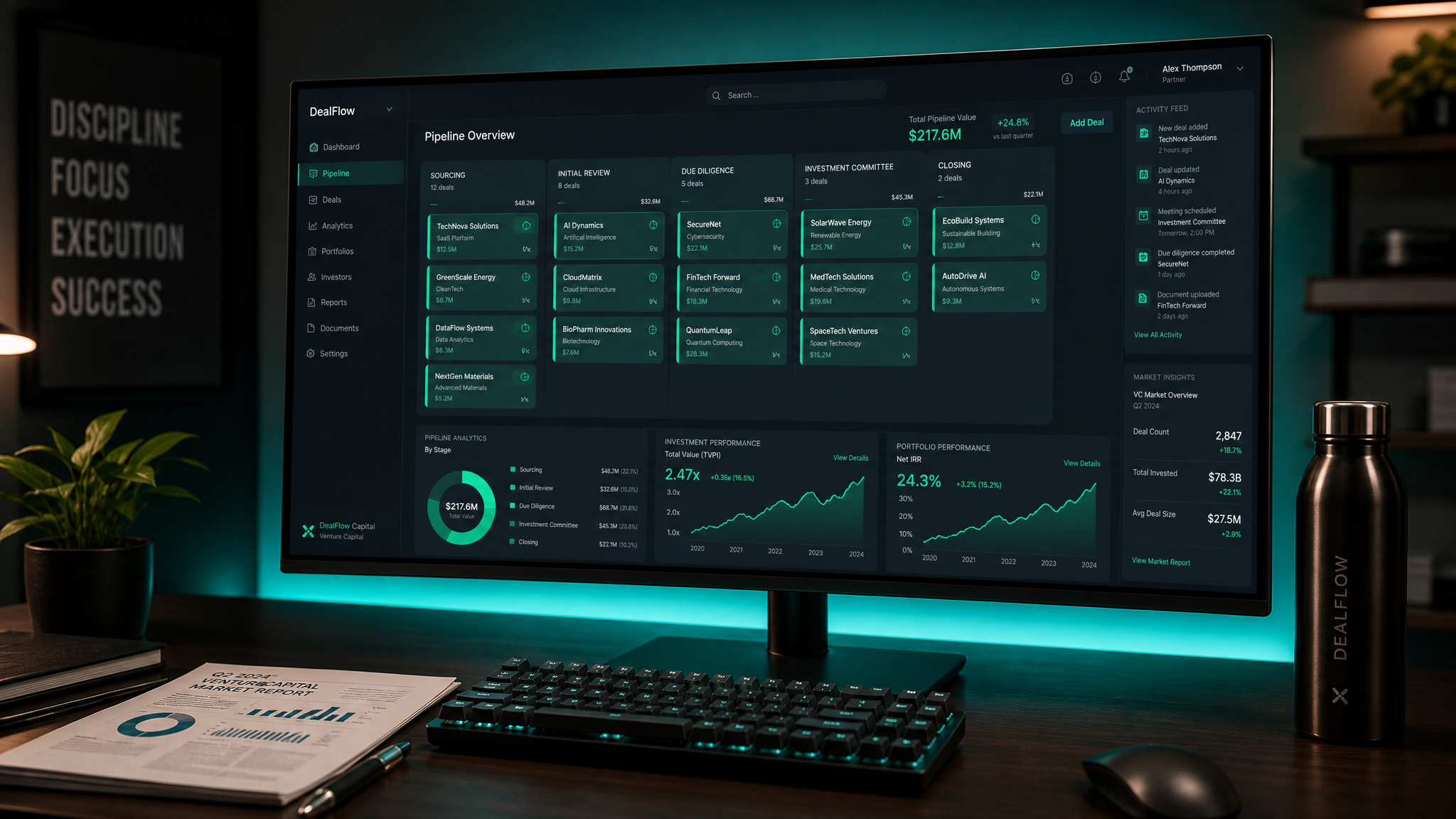
    Pipeline Kanban: Board view grouped by Stage. Your primary daily view. Drag deals between stages as they progress.

    This Week's Actions: Filtered view showing deals where Next Action Due Date = This Week. Never miss a follow-up.

    Sector Analysis: Table grouped by Sector with count rollups. See where your pipeline is concentrated.

    Source Performance: Table grouped by Source with counts and conversion rates. Know which sourcing channels actually produce deals you close.

    Portfolio Dashboard: Gallery view of Portfolio database showing each active investment with MOIC, last update date, and status.

    Deal Evaluation Framework

    Embed a structured evaluation template within each deal record:

  • Team Score (1-5): Founder quality, domain expertise, previous exits
  • Market Score (1-5): TAM, timing, competitive dynamics
  • Product Score (1-5): Traction, differentiation, defensibility
  • Financial Score (1-5): Unit economics, growth rate, capital efficiency
  • Thesis Fit (1-5): How well does this match your investment criteria?
  • Total score out of 25. Set a threshold (e.g., 18+) below which you auto-pass.

    Why Notion Beats Spreadsheets for Deal Flow

  • 1.Linked data. A founder appears once, linked to all their deals, meetings, and co-investors.
  • 2.Rich context. Each deal page contains pitch decks, meeting notes, due diligence docs — not just a row in a spreadsheet.
  • 3.Multiple views. The same data as a pipeline board, sector analysis, timeline, or portfolio dashboard.
  • 4.Collaboration. Share specific views with partners without exposing your full pipeline.
  • If you want a ready-made version of this entire system with additional features like LP reporting templates and quarterly review dashboards, the Investor Deal Flow Tracker provides everything described here and more.

    Free: Weekly Reset Dashboard

    Get our most popular free Notion template — used by 500+ professionals to plan their week in under 10 minutes.

    Download free
    100% Free — No Credit Card Required

    Get the Weekly Reset Dashboard

    The same Notion template used by 500+ professionals to plan their entire week in under 10 minutes. Yours free, forever.

    Download Free Template

    Just enter your email. No spam, no tricks.

    Stay in the Loop

    Get notified about new products, workflow tips, and exclusive early-bird pricing.

    No spam. Unsubscribe anytime.