
Why Notion Templates Beat Custom Software for Small Teams
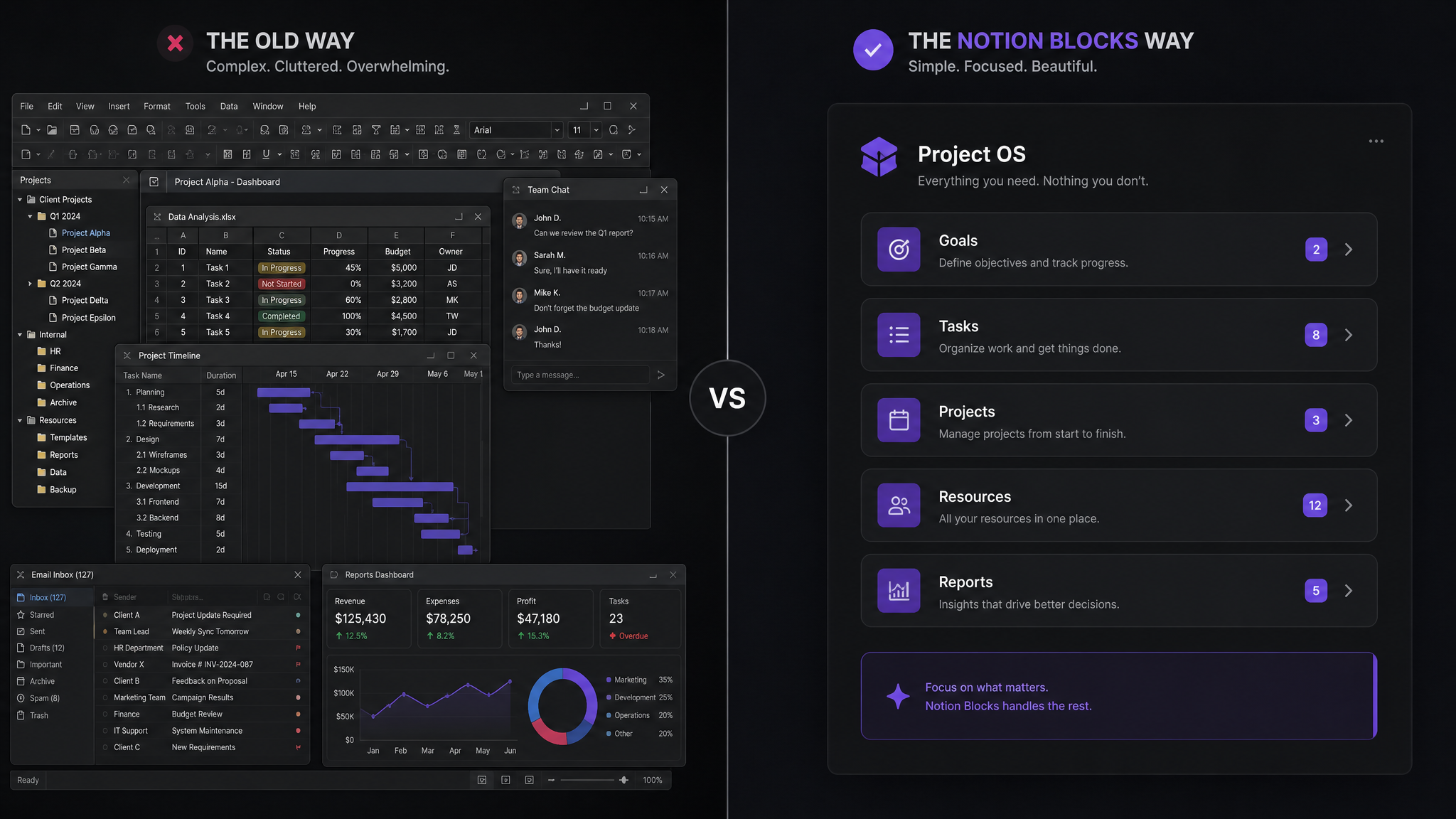
Every growing team faces the same question: build custom software, buy a SaaS stack, or use a flexible tool like Notion? After watching dozens of small teams make this decision, I've seen a clear pattern: teams under 50 people almost always get more value from Notion than from either alternative.
Here's why.
The Custom Software Trap
Custom software sounds perfect: built exactly for your needs, no compromises, complete control. But the reality for small teams is brutal:
Custom software makes sense when your processes are highly specialized and completely stable. For most small teams, neither of those conditions is true.
The SaaS Stack Problem
The alternative is assembling a stack of SaaS tools: one for project management, one for CRM, one for documentation, one for time tracking, one for invoicing, one for communication...
The problems compound:
Why Notion Wins for Small Teams
1. One Tool, Many Functions
Notion replaces 5-8 specialized tools with one flexible platform. Project management, documentation, CRM, knowledge base, meeting notes, and planning — all in one workspace.
This isn't about Notion being the best at each individual function. It's about the compound benefit of having everything in one place. The marginal loss in specialized features is massively outweighed by the gain in integration and simplicity.
2. Adapts to Your Processes
Your processes will change. Guaranteed. With custom software, change means waiting for development. With SaaS tools, change means switching platforms.
With Notion, change means dragging a few properties around. Your operations manager can modify the system in minutes, not weeks.
3. Cost Efficiency
Notion costs $8-10/user/month. A comparable SaaS stack costs $100-300/user/month. For a team of 20, that's the difference between $200/month and $4,000/month — a savings of $45,600/year.
Even accounting for the cost of setting up your Notion workspace properly (which is where templates like ours come in), you'll break even within the first month.
4. Institutional Knowledge
The most underrated benefit: Notion becomes your company's brain. Meeting notes link to projects which link to clients which link to documents. Everything is connected and searchable.
When a new team member joins, they can trace the history of any decision, project, or client relationship. Try doing that with a SaaS stack.
5. No Vendor Lock-In
With specialized SaaS tools, your data is trapped. Exporting from one project management tool to another is painful. With Notion, your data is always accessible and exportable.
When Notion Doesn't Make Sense
To be fair, Notion isn't the right choice for every situation:
The Template Advantage
The biggest barrier to Notion adoption is setup time. Building a comprehensive workspace from scratch takes weeks of iteration.
That's exactly why pre-built templates are so valuable. They give you a professional-grade system on day one, built on best practices from hundreds of teams. You get the flexibility of Notion with the structure of a specialized tool.
Instead of spending 40 hours building a client management system from scratch, you spend 2 hours customizing a proven template. Instead of guessing at the right database structure, you start with one that's been refined through real-world use.
Making the Switch
If you're currently using a SaaS stack and considering Notion:
The best time to simplify your toolstack was last year. The second best time is today.
Free: Weekly Reset Dashboard
Get our most popular free Notion template — used by 500+ professionals to plan their week in under 10 minutes.
Download free